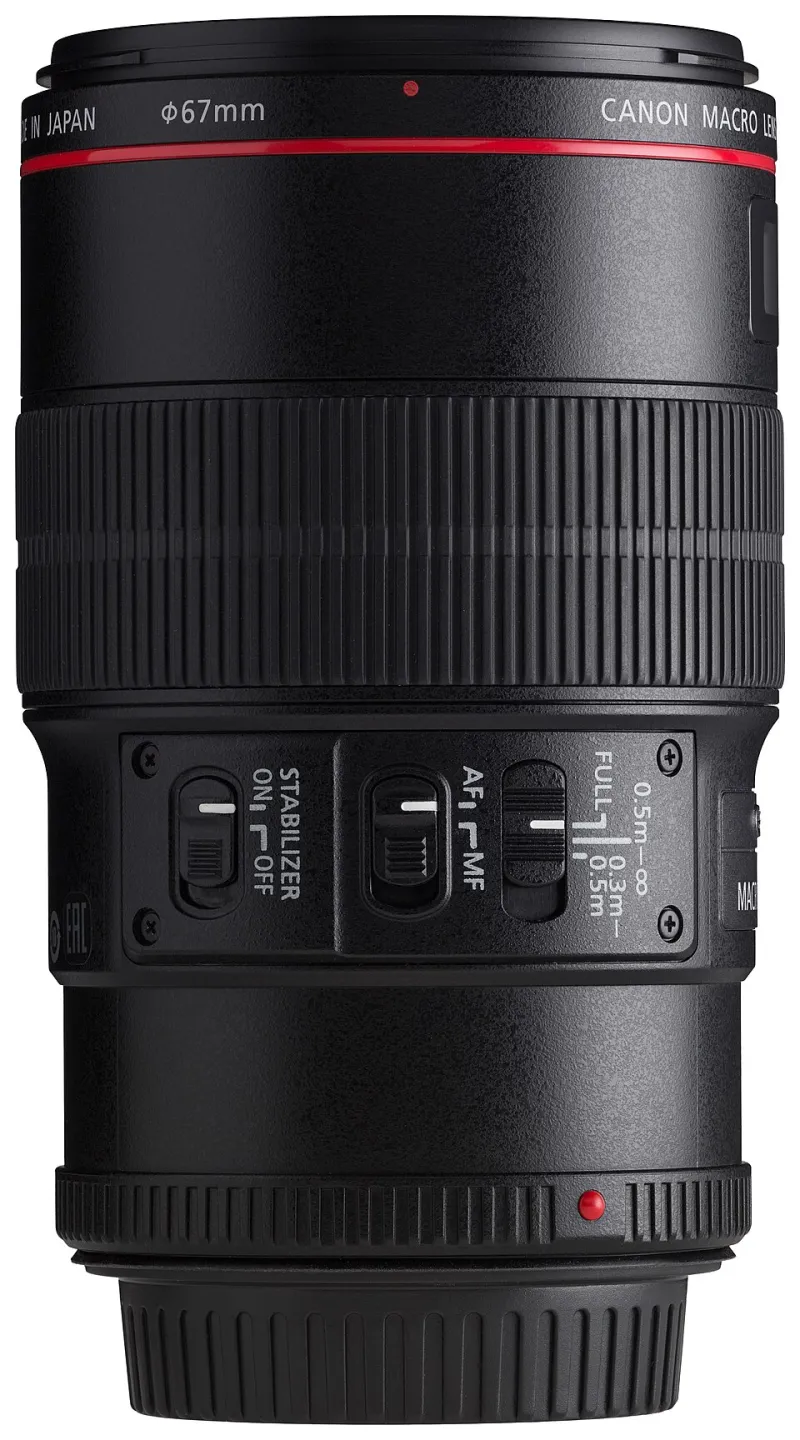
From First Frame to Final Delivery: Completing a Client Project in Under 24 Hours With Entry-Level Canon Gear

Photo: Jennifer 8. Lee, CC BY-SA 4.0, via Wikimedia Commons
Here's a scenario that plays out more than most freelancers admit: the shoot wraps, the client is excited, and then... three days pass before anything lands in their inbox. By day four, the energy is gone. The client is second-guessing the investment. And your shot at a glowing referral quietly evaporates.
Speed-to-delivery is a competitive weapon. When you're a solo founder going up against established studios with full post-production teams, your agility is the equalizer. The good news? With the right Canon setup and a disciplined workflow, a full client deliverable—shot, edited, and shipped—is absolutely achievable inside 24 hours.
Let's walk through exactly how that looks in practice.
The Night Before: Pre-Shoot Prep Is Where Hours Are Won or Lost
Most workflow breakdowns don't happen during the shoot. They happen because of decisions that weren't made the night before.
If you're running a Canon EOS R50 or R8—both excellent entry points for client work—your pre-shoot checklist should be non-negotiable:
- Format your cards in-camera, not on your laptop. Canon's in-camera format is cleaner and reduces the risk of read errors during import.
- Charge two batteries. One in the camera, one in the bag. This sounds obvious until you're 40 minutes into a shoot and your only battery hits 15%.
- Set your Picture Style in advance. If you're delivering JPEGs directly, dial in your color profile now. If you're shooting RAW and editing in Canon's Digital Photo Professional (DPP) or Lightroom, set a neutral profile so your RAW files aren't fighting you in post.
- Create your folder structure tonight. Client name, project date, shoot type. Do this before you leave the house. When you're back at your desk at 7pm and tired, you won't want to think about file organization.
One underrated tool here: Canon's Camera Connect app. Syncing your Canon to your phone lets you back up select hero shots to cloud storage while you're still on location. It's not a full backup strategy, but it gives you a working safety net before you even get home.
The Shoot: Keep It Tight, Keep It Purposeful
For a first client deliverable, scope discipline is everything. If you're doing a brand shoot for a local restaurant, a product shoot for an e-commerce client, or a headshot session for a small business owner, resist the urge to over-capture.
The Canon R50 paired with the kit 18-45mm lens is genuinely capable of delivering professional results in good light. Don't let gear anxiety push you into shooting 600 frames when 80 targeted frames will serve the client better and save you two hours in culling.
A useful rule: shoot with delivery in mind. For a standard brand package, that might be 10 final hero images. Work backward from that number. Capture three to five variations of each hero shot and move on. You're not building a portfolio of every moment—you're building a deliverable.
Back at Your Desk: The Import Workflow That Doesn't Slow You Down
This is where a lot of new founders lose an hour without realizing it. Here's a leaner approach:
Step 1 — Dual backup immediately. Copy your card to your primary working drive and an external backup drive simultaneously before you do anything else. Use a tool like Carbon Copy Cloner or simply drag-copy to two locations. Do not skip this step in the name of speed. Losing a client's files is a business-ending event.
Step 2 — Cull fast. Open your files in Lightroom Classic or Canon's free DPP software and do a single-pass cull. Flag keepers, reject obvious misses. Don't edit as you go—just flag. This pass should take 15 minutes for an 80-frame shoot.
Step 3 — Batch edit your selects. Canon RAW files respond well to Lightroom's AI-powered masking and auto-tone as a starting point. Develop one strong edit, sync it across similar frames, then adjust individually. For a 10-image deliverable, this stage should take 45 minutes to an hour, not three hours.
Step 4 — Export to a delivery folder. Set your export preset in advance: sRGB, JPEG, 3000px on the long edge for most web and social use, or full resolution for print clients. Name your export preset once and reuse it forever.
Delivery: The Part That Actually Builds Your Reputation
How you deliver matters as much as what you deliver. Emailing a ZIP file feels amateur. Showing up with a Google Drive link, a WeTransfer download, or—better yet—a Pic-Time or Pixieset gallery communicates that you run a real operation.
For bootstrapped founders, WeTransfer Free handles up to 2GB per transfer and requires zero setup. When you're ready to invest, Pixieset's starter plan at $8/month gives you client galleries with download controls, which is the kind of polish that justifies higher rates.
Include a short note with your delivery. Three sentences: what's included, how to download, and one line inviting feedback or a follow-up booking. That's it. Professional, fast, human.
The Real Competitive Advantage Here
Here's what this 24-hour cycle actually does for your business: it creates a story your clients tell other people. "I got my photos back the next morning" is a sentence that generates referrals. Bigger studios often run on two-week turnarounds because of volume. You can beat that on speed without sacrificing quality—and in the early days of building a client base, that asymmetry is everything.
Entry-level Canon gear isn't a liability. It's a launchpad. The R50 or R8, a solid kit lens, two cards, and a disciplined workflow will get you to delivery faster than a $5,000 rig with a chaotic process ever will.
Ship fast. Ship clean. Do it again tomorrow.